


"I have had no device driver problems at all since updating them with UpdateStar Drivers!" — Mike R.
Keep device drivers updated.
Product Facts
UpdateStar Drivers delivers advanced driver management to optimize computer performance and enhance user experience. Device drivers serve as critical communication interfaces between operating systems and hardware components. Maintaining current drivers is essential for system security, stability, and optimal hardware performance.
UpdateStar Drivers provides comprehensive driver updates, backup, and restoration capabilities. The software analyzes installed system drivers and recommends updates from an extensive database covering thousands of hardware devices including motherboards, webcams, printers, video cards, sound cards, network adapters, modems, monitors, keyboards, and peripheral devices. This ensures maximum compatibility and performance across all system components.
UpdateStar Drivers is designed for users who depend on reliable hardware functionality and system stability. As computing environments increasingly incorporate diverse peripheral devices, maintaining current drivers becomes essential. The software serves both novice and experienced users, providing automated protection against compatibility issues and security vulnerabilities caused by outdated device drivers.
- Automated driver update detection and recommendation system
- Intuitive interface for seamless driver scanning, downloading, updating, and installation
- Precise hardware identification including computer brand, model, and all connected devices (including temporarily disconnected USB peripherals)
- Comprehensive database supporting over 189,000 hardware devices from leading manufacturers
- Continuously updated database maintained through automated systems and expert curation
- Integrated driver backup and restore functionality for system recovery


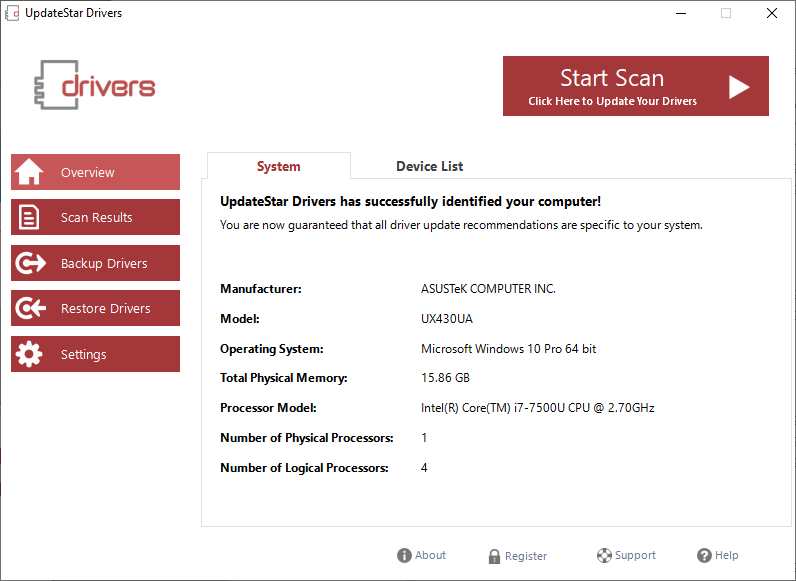
Screenshot 1
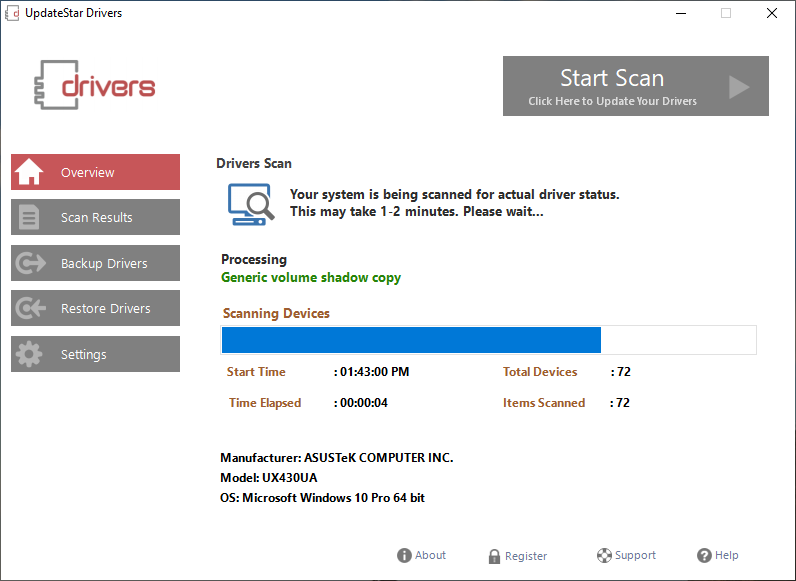
Screenshot 2
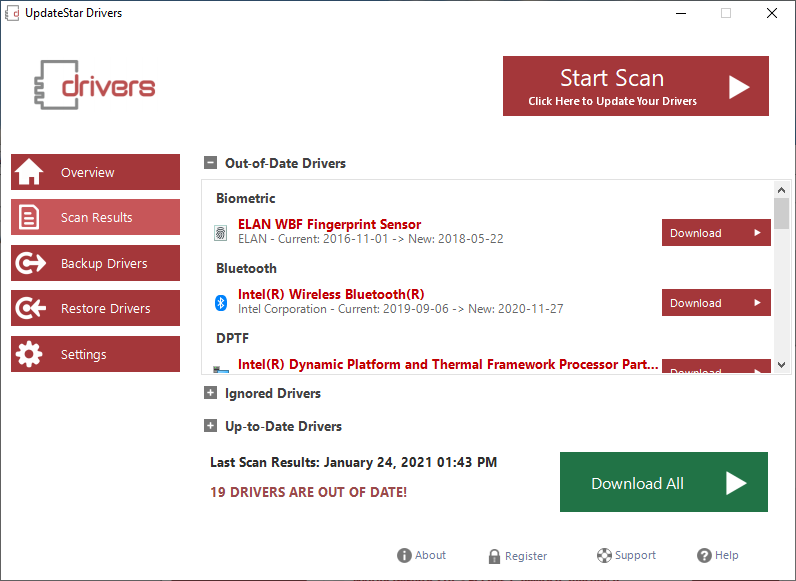
Screenshot 3
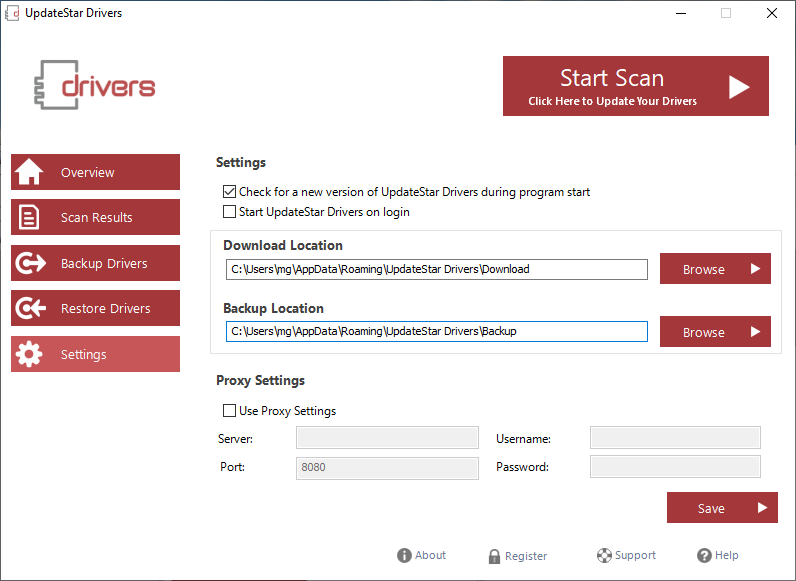
Screenshot 4