

"Brought back my hidden and forgotten passwords in seconds." — Paula M.
Recover hidden passwords for software programs.
Product Facts
Password Finder provides comprehensive credential recovery for stored passwords, usernames, and authentication information across local and network computers. The software addresses the critical challenge of lost or forgotten credentials by systematically scanning systems and securely recovering stored authentication data.
Password Finder supports both local and remote network scanning, with simultaneous multi-computer scanning capabilities for enterprise environments. The software exports recovered credentials in multiple formats for secure backup and documentation purposes. Designed for both home users and corporate administrators, Password Finder ensures critical access information remains available and properly documented, preventing system lockouts and productivity losses.
UpdateStar Password Finder serves users who manage multiple software applications and authentication credentials. As password complexity and quantity continue to increase, the software provides essential credential recovery and backup capabilities. Both novice and experienced users benefit from the intuitive interface for locating, documenting, and securely backing up authentication information across all systems.
- Intuitive interface for scanning, collecting, displaying, and exporting stored credentials
- Comprehensive password discovery across local and network computers
- Supports credential recovery from 108+ software products including web browsers, instant messengers, email clients, and FTP applications
- Simultaneous multi-computer scanning for enterprise-wide password auditing
- Regularly updated database with continuous addition of new software definitions


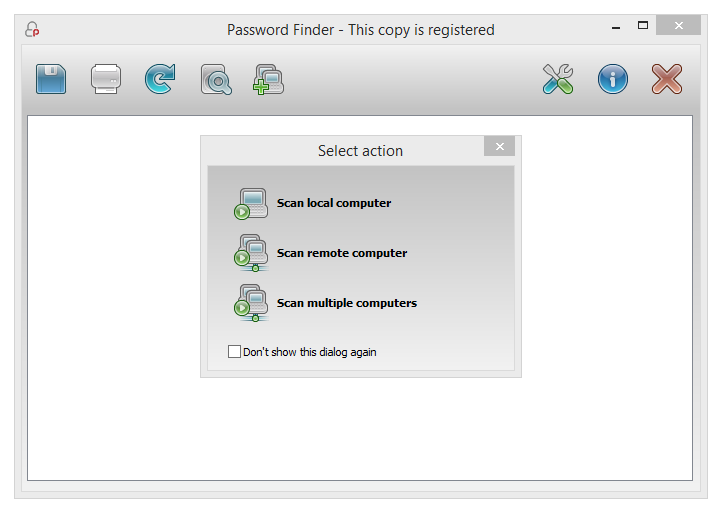
Screenshot 1
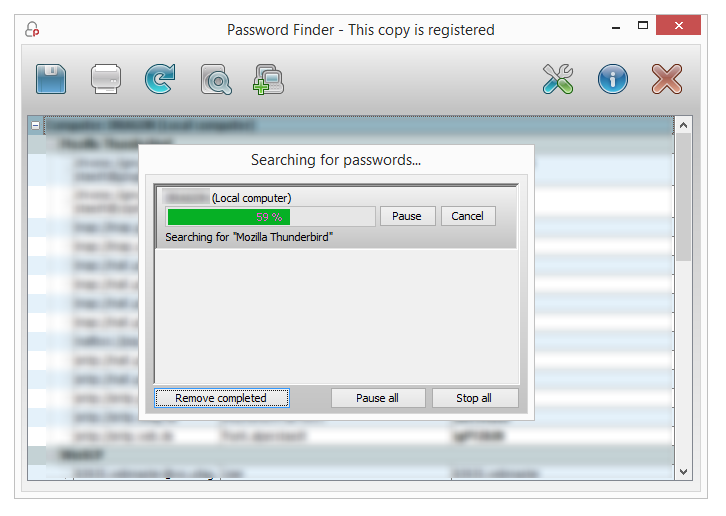
Screenshot 2
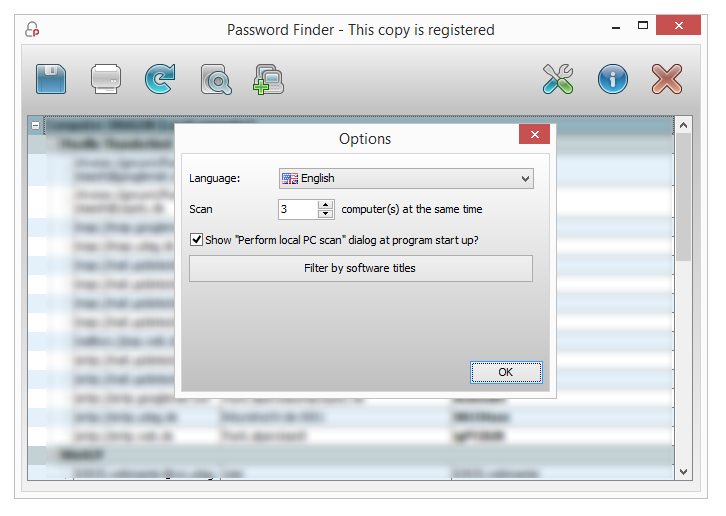
Screenshot 3
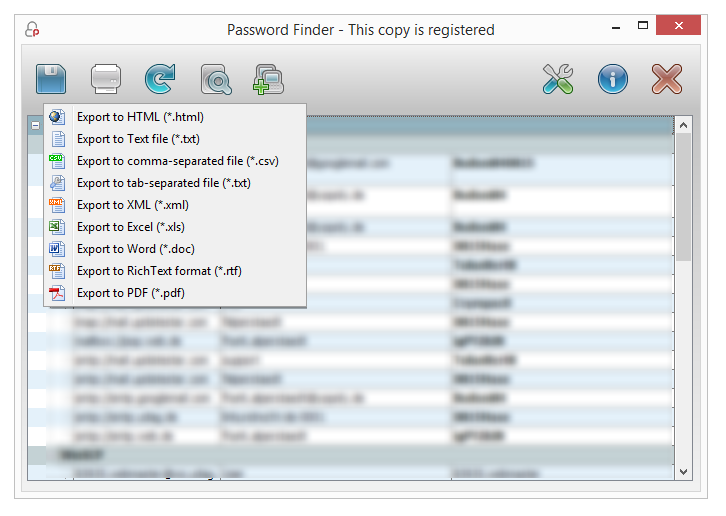
Screenshot 4